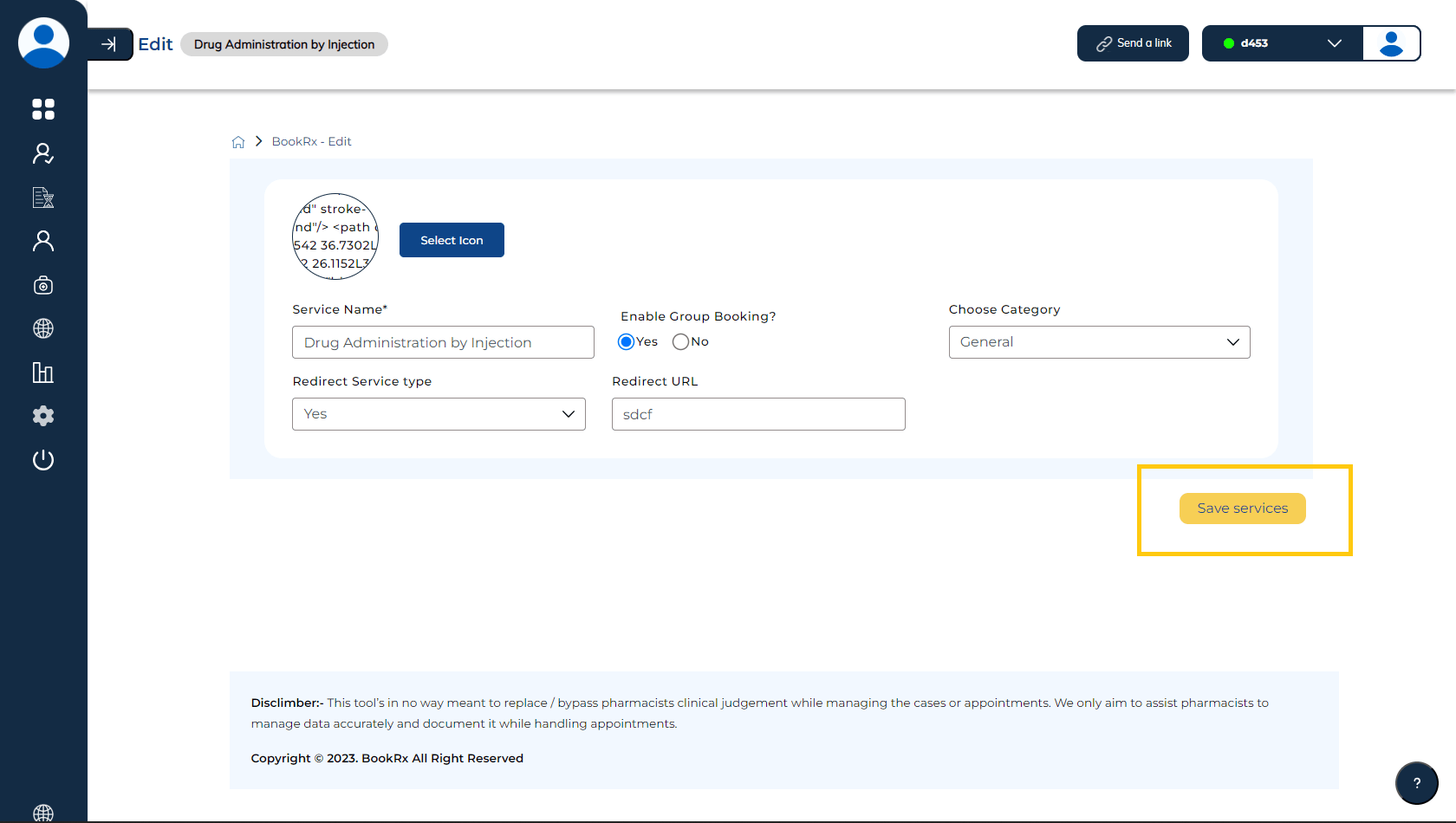
Editing Your Services
You can easily edit your services within the Book Rx platform by following these steps:
Step 1: Access Service Options
Click on the three dots in the action column.
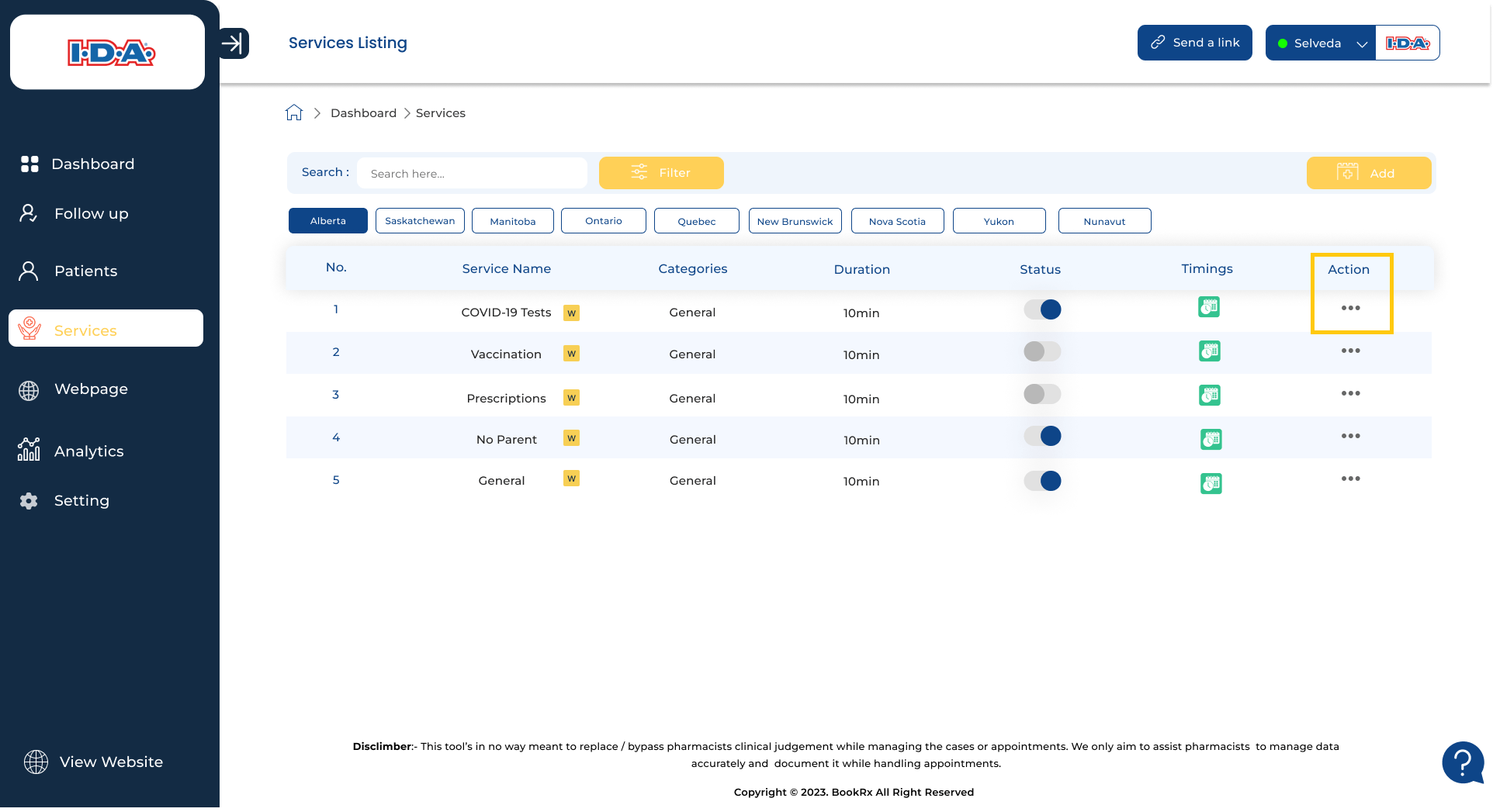
Step 2: Choose "Edit Services"
Select the "Edit services" button to access a more comprehensive view of your services.
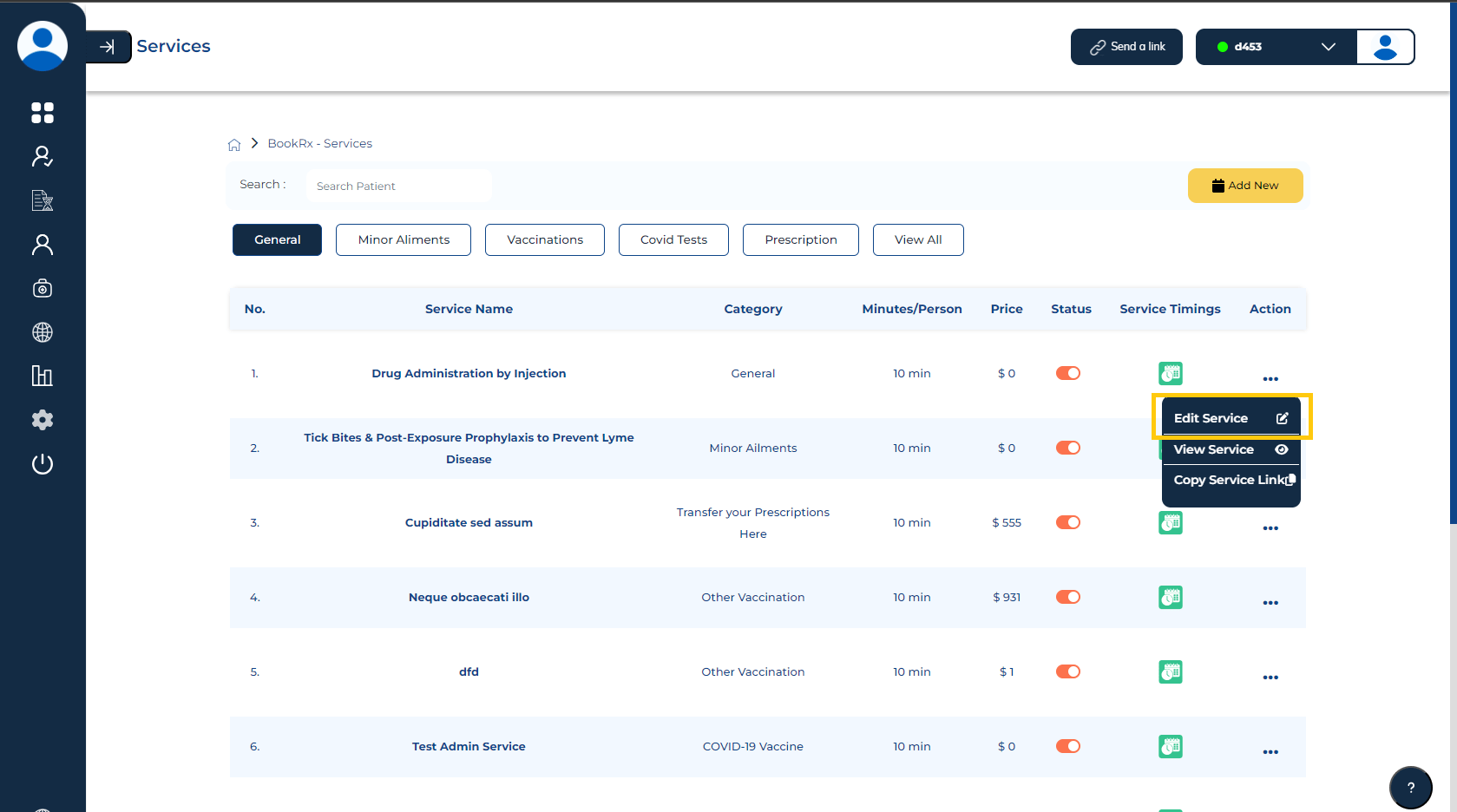
Step 3: Modify Service Details
You can modify the details to suit your specific requirements.
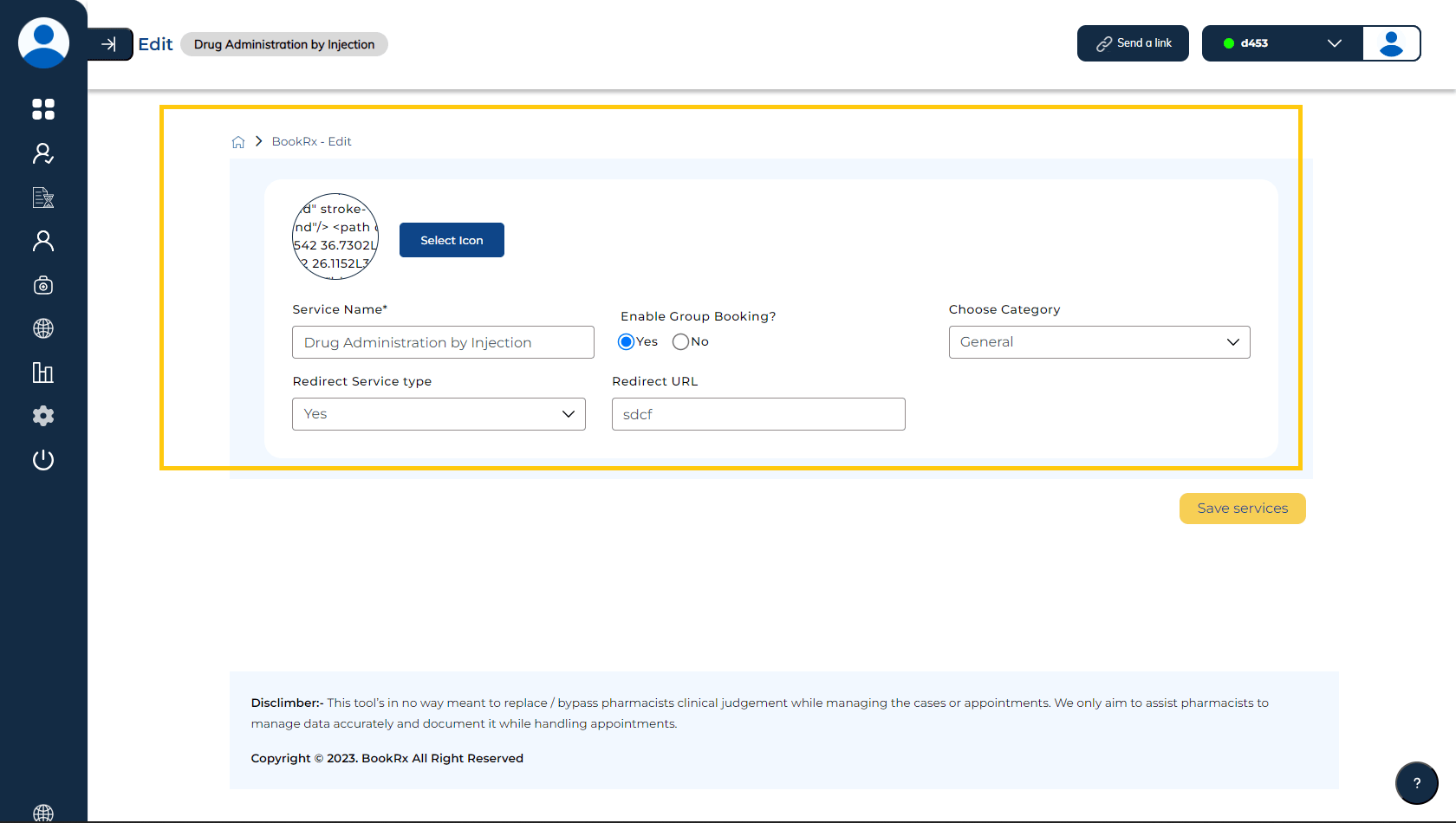
Step 4: Save Changes
After making the necessary changes, click on the "Update" button to save and update your service.